
Новое поступление

SATA III 2nd жесткий диск Caddy Bay адаптер для Lenovo ThinkPad T400 T410S T400S T500S T420S T430S u400 U450 ноутбука |

Hot-sale 10cm x 7cm 0.7cm Mini pcie mSATA SSD To 2.5 Inch SATA3 Adapter Card With Case Gifts | Компьютеры и офис

С рамкой и кронштейном 2-го жесткого диска SSD SATA адаптер для HP EliteBook 8460P 8460W 8470P 8470W |
943,07 руб.

Seagate игровая 2 ТБ 5 "PS4 USB3.0 внешний диск Playstation Hdd STGD2000200 | Компьютеры и офис
11 246,90 руб.
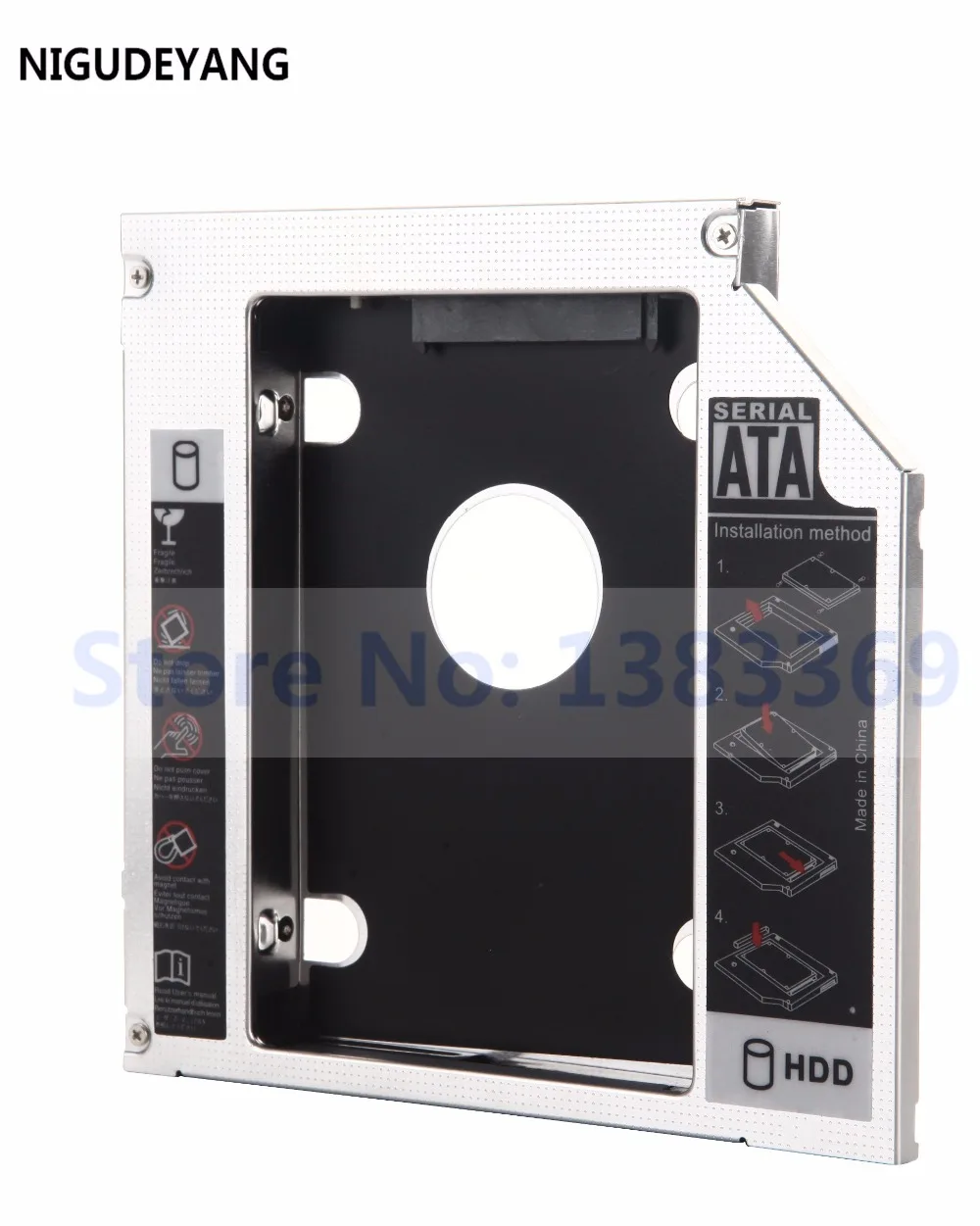
NIGUDEYANG 2nd HDD SSD Hard Drive SATA Case Caddy Adapter for MSI GE60 2OE cr720 Apache-629 | Компьютеры и офис
573,74 руб.

Чехол ORICO 2580U3 для мобильного жесткого диска прозрачный чехол USB 3 0 MICRO-B 2 5 дюйма SATA
382,24 - 725,73 руб.

Внешний корпус для жесткого диска с USB 3 1 на M.2 SSD адаптер карты HDD чехол 2 кабелями
546,39 руб.
Характеристики
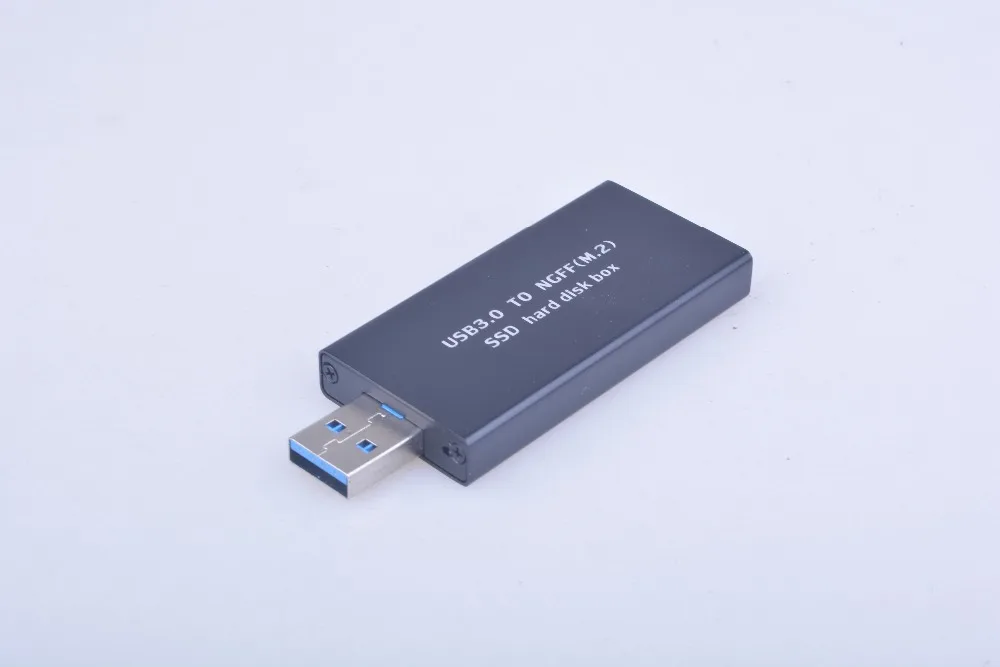
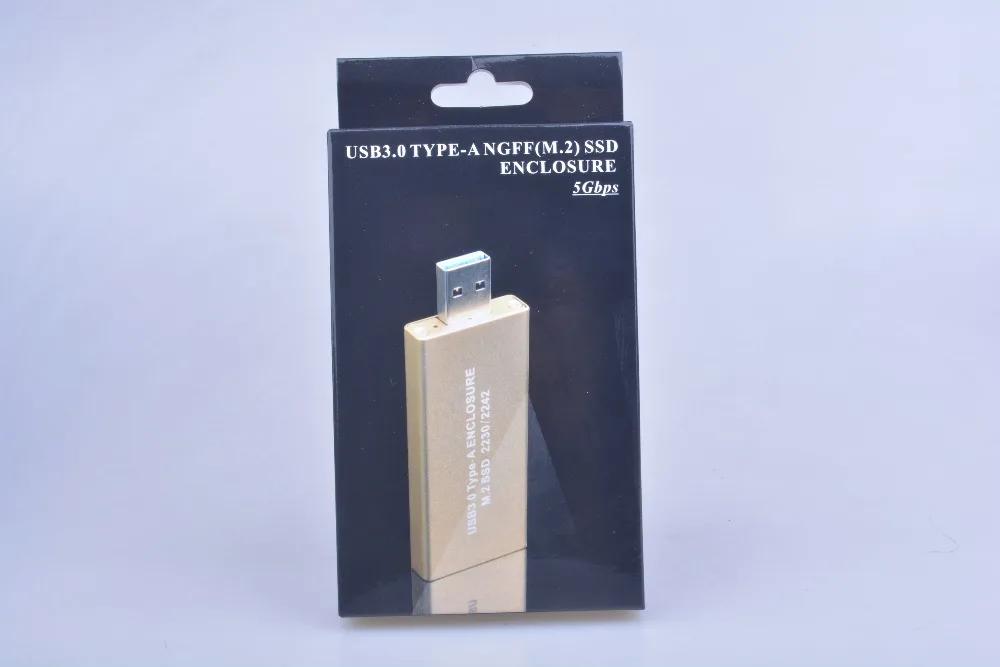
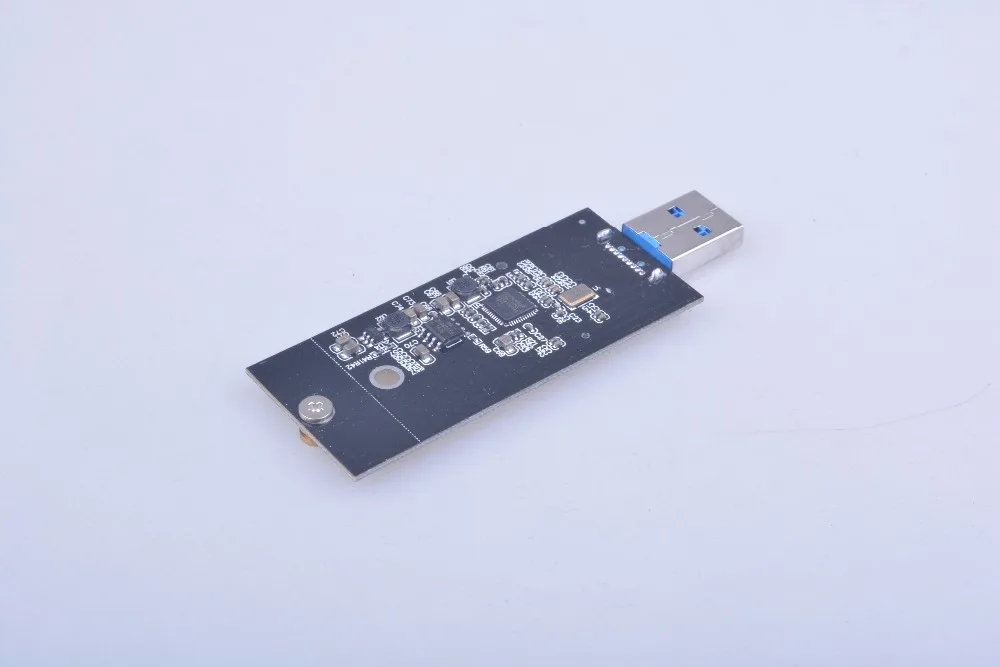
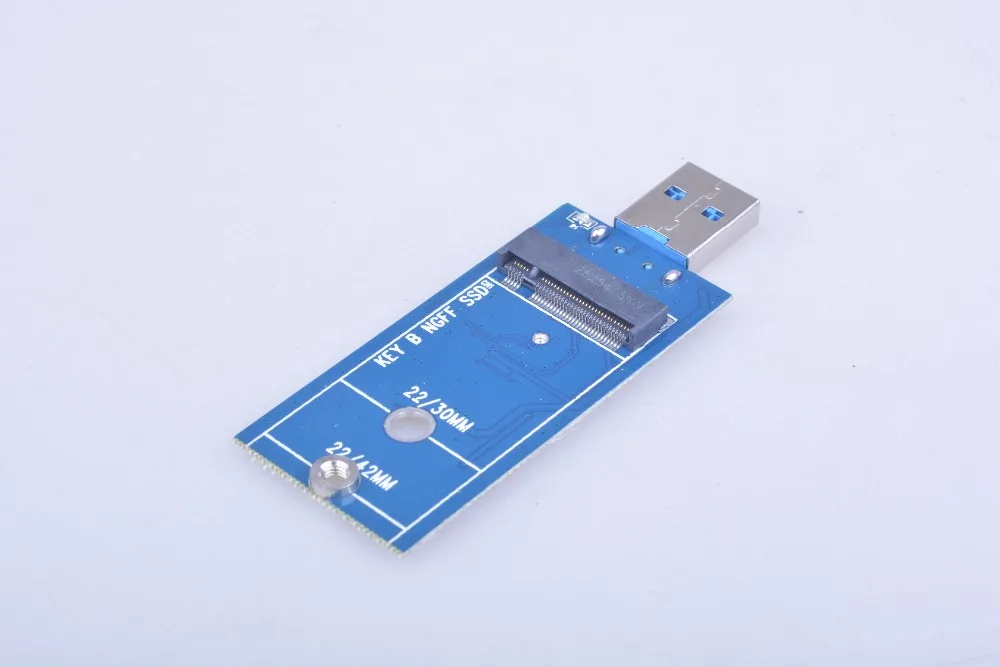
New USB 3.0 to M.2 NGFF 22*42 SSD Mobile hard disk box External Enclosure Storage Case Free Shipping | Компьютеры и офис
История изменения цены
*Текущая стоимость 636,82 уже могла изменится. Что бы узнать актуальную цену и проверить наличие товара, нажмите "Добавить в корзину"
| Месяц | Минимальная цена | Макс. стоимость | Цена |
|---|---|---|---|
| Jul-23-2026 | 757.18 руб. | 795.98 руб. | 776 руб. |
| Jun-23-2026 | 750.49 руб. | 788.23 руб. | 769 руб. |
| May-23-2026 | 630.50 руб. | 662.91 руб. | 646 руб. |
| Apr-23-2026 | 738.40 руб. | 775.71 руб. | 756.5 руб. |
| Mar-23-2026 | 642.77 руб. | 674.57 руб. | 658 руб. |
| Feb-23-2026 | 725.57 руб. | 761.11 руб. | 743 руб. |
| Jan-23-2026 | 719.53 руб. | 755.22 руб. | 737 руб. |
| Dec-23-2025 | 712.2 руб. | 748.33 руб. | 730 руб. |
| Nov-23-2025 | 706.97 руб. | 741.4 руб. | 723.5 руб. |
Описание товара


Straight connection don't need a USB cable.
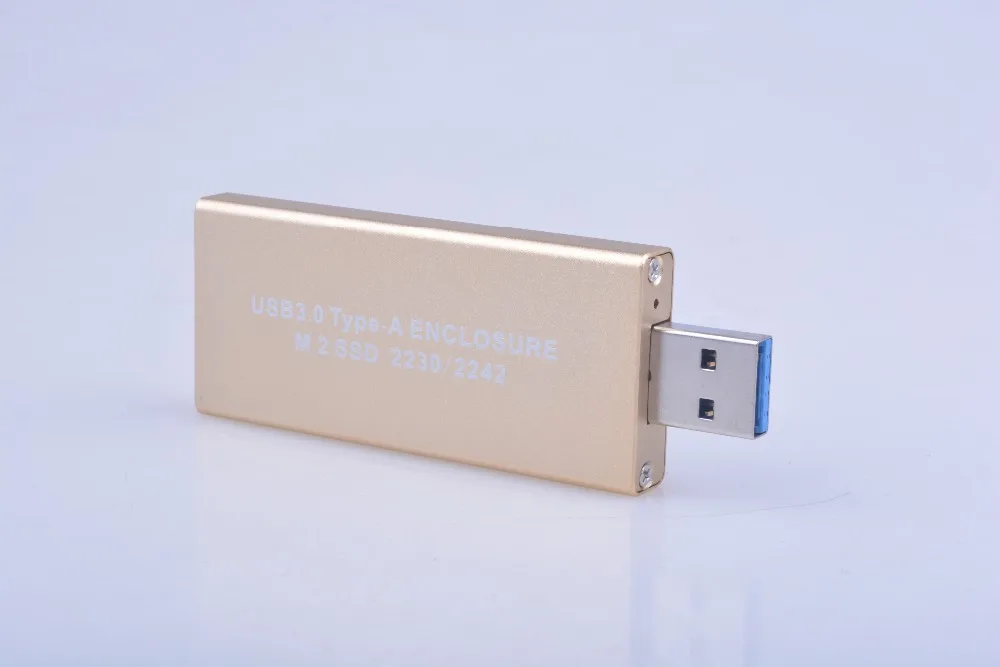
Supports 22*42 mm size M.2 NGFF SSD Drives.
High end quality product with sleek case design .
USB 3.0 interface. Plug and Play.
Compatible with Windows 2000/xp/Vista/7/8/mac os 7.0 and above.
Color:Golden/Black
Size:(L*W)11.20*2.00*0.80cm/4.41"*0.79"*0.31"
Quantity:1Se
Notice:
1: Please do not insert the USB cable into the chassis front USB ports if your computer is a desktop.Data lines connected to the computer's USB port after the home for desktop.
2: Please note that the query rated current of SSD,compute maximum power supply current is 1A of USB 3.0 interface,if the USB port can't provide enough current to the ssd,the computer can't identify or work can't well because the power supply can't meet requirements.
3: Don't to use USB extension and HUB,because it will lead to insufficient power supply.
4: Please cancel the hard disk password if your hard drive set a password in the original computer, The other computer doesn't recognize the hard disk if the password not cancel.
5: The SSD work will release heat,the shell fells very hot,this is normal.Heat is mainly produced by solid-state drives, if you remove the SSD, only connected hard disk box in USB port, it is cold,This product is made of metal material, it can fast heat conduction, so you touch it, feel the heat, if the product is made of plastic material, you touch it feel the temperature is low, but this will damage the your hard disk, because plastic can not be fast heat, it will lead to the internal temperature is very high.
6: Mac OS and some digital camera system use disk format can't compatible with Microsoft system,open the "my computer" can't see the ssd, please use the Disk Manager in Windows to delete the partitions or to create a new partition on the Hard Disk Drive.New hard drive can also such operations.
7: The product in the process of using don't move it and pay attention to prevent violent vibration.
8: This product performance is being improved unceasingly, like has the change, not separate informs even slightly.Pictures for reference only, subject to our available products.
USB port can't meet the SSD rated current of the fault phenomenon:
A: Unable to identify the SSD, but adapter card not to install SSD connected computers,the computer can identify new hardware.
B: Adapter card to connect the computer after constantly connected and disconnected.
C: Products to connect the computer, can read data of hard disk drive, but can't write data to the hard disk or can't format the hard disk partition or disconnect with computer when writing large files, as long as write data will disconnect or a computer without any response,this is because the usb port provided by the current slightly lower than the rated working current of the hard disk,Hard disk power consumption increased while writing data,then the current increase,but the USB port can't provide more current to meet the needs of hard disk,result in failure (Hard disk has bad sectors will have this phenomenon, please pay attention to distinguish).
We recommend you try to connect it to USB 2.0 port when you have more trouble,because of lower speed can reduce power consumption,this operation maybe can solve a problem.
Note:
Size for manual measurement, there may be a 0 to 2 cm error, belongs to the normal phenomenon.
And due to the difference between different monitors, the picture may not reflect the actual color of the item. Thank you
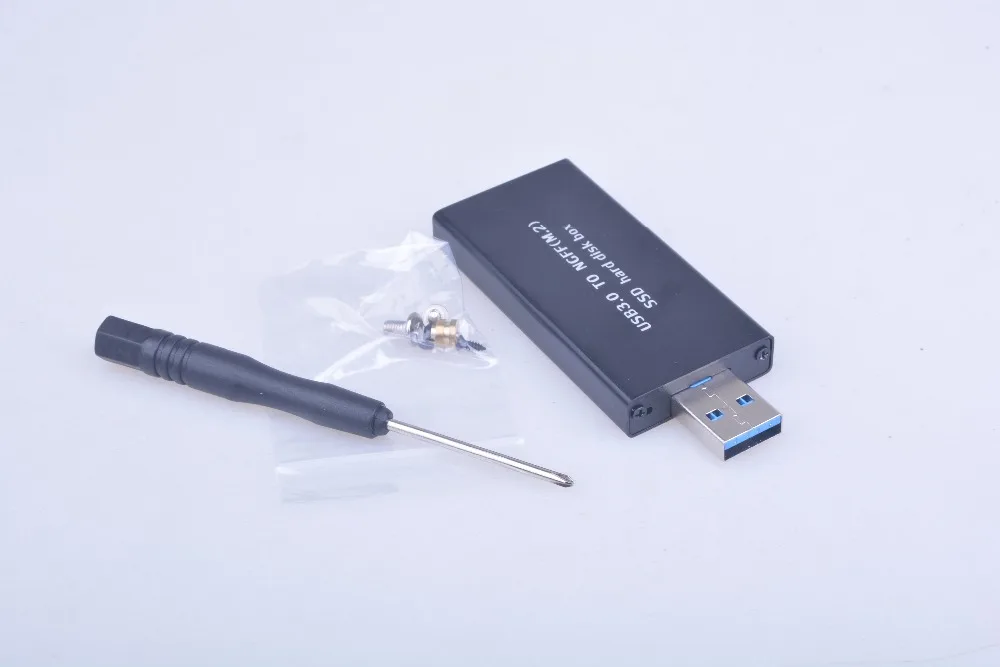
1Pc x USB 3.0 adapter box (no retail package)
1Pc x Screwdriver
4Pcs x Screws
1Pc x Copper pillar
![]()
![]()
![]()
![]()


Смотрите так же другие товары: