
Сверхмаленький USB флэш-накопитель 128 ГБ 64 32 8 металлический флешка 16 Cle
481,32 - 1 711,54 руб.

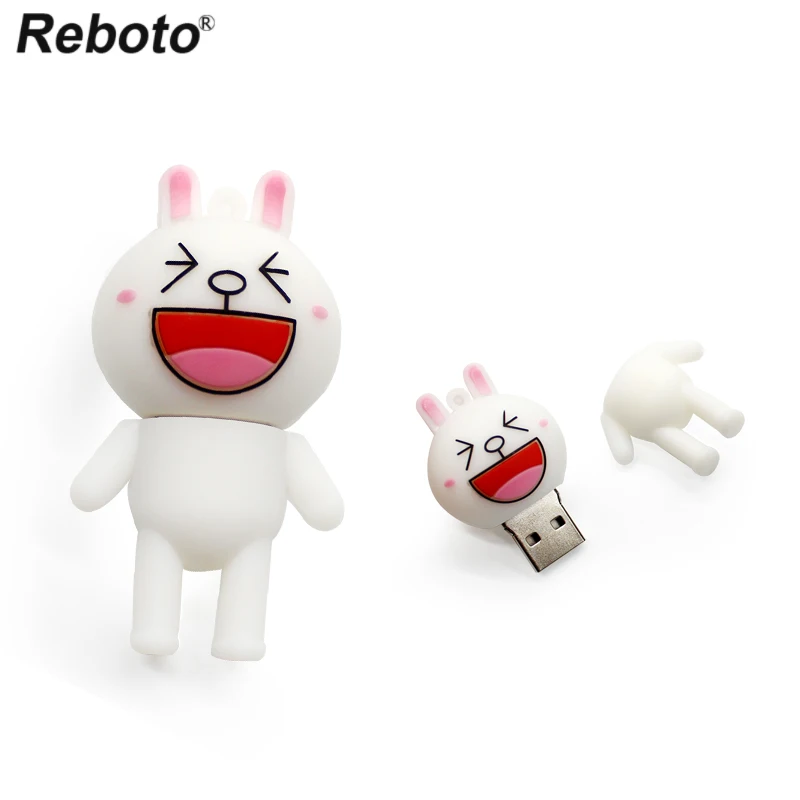
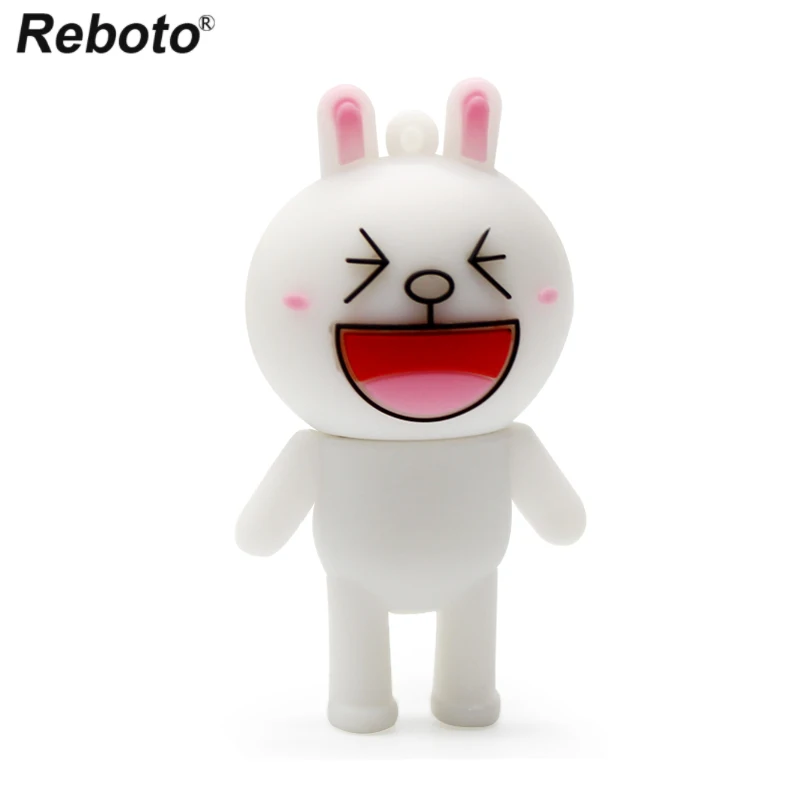
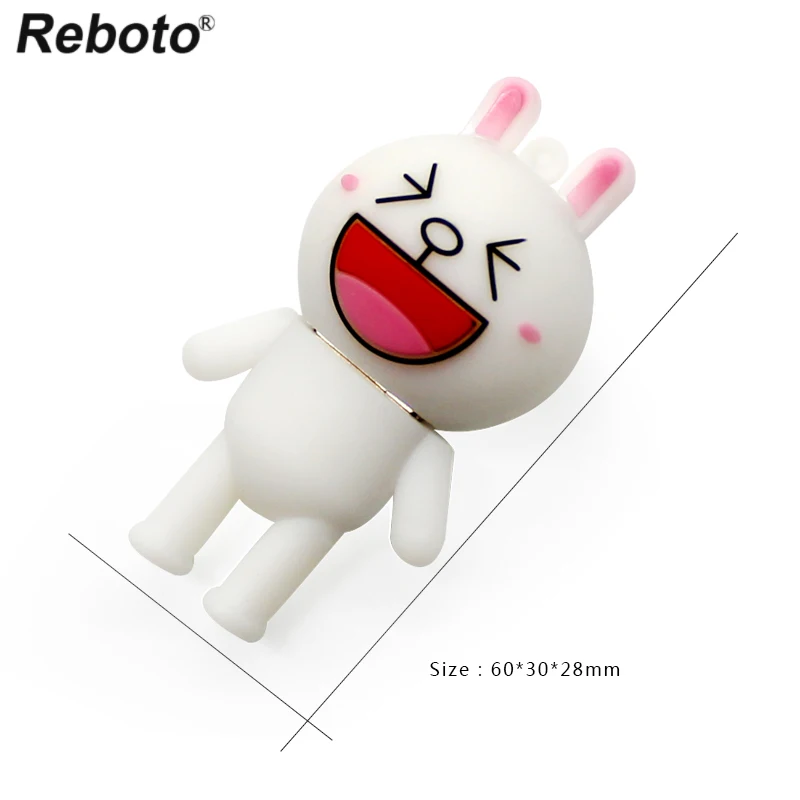
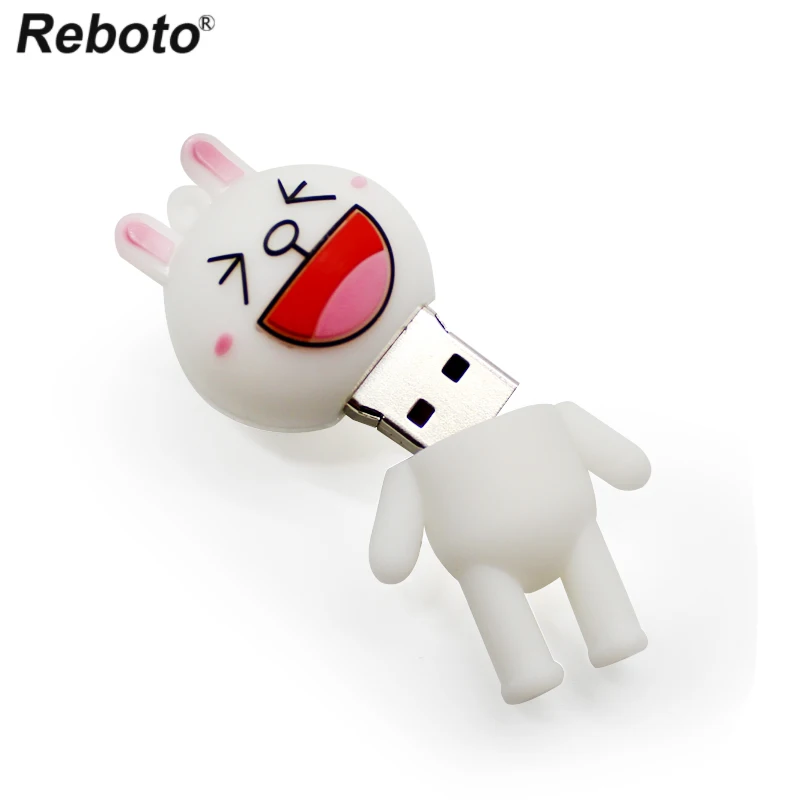

Новое поступление
Характеристики
*Текущая стоимость уже могла изменится. Что бы узнать актуальную цену и проверить наличие товара, нажмите "Добавить в корзину"
| Месяц | Минимальная цена | Макс. стоимость | Цена |
|---|---|---|---|
| Jul-23-2026 | 0.34 руб. | 0.77 руб. | 0 руб. |
| Jun-23-2026 | 0.6 руб. | 0.41 руб. | 0 руб. |
| May-23-2026 | 0.25 руб. | 0.77 руб. | 0 руб. |
| Apr-23-2026 | 0.39 руб. | 0.87 руб. | 0 руб. |
| Mar-23-2026 | 0.93 руб. | 0.13 руб. | 0 руб. |
| Feb-23-2026 | 0.51 руб. | 0.58 руб. | 0 руб. |
| Jan-23-2026 | 0.47 руб. | 0.75 руб. | 0 руб. |
| Dec-23-2025 | 0.37 руб. | 0.6 руб. | 0 руб. |
| Nov-23-2025 | 0.16 руб. | 0.53 руб. | 0 руб. |
Описание товара
Products Description:
1. Storage capacity: 4GB 8GB 16GB 32GB 64GB
2. Interface: USB 2.0
3. Environment Temperature: -40°C - +70°C
4. Storage Temperature: -50°C - +80°C
5. USB Service Voltage: 4.5V-5.5V
6. Storage Lifetime: More than 10 years of durable data storage
7. Use A-class chip, can be erased repeatedly for 100,0000 times
8. Easy to read and read in high speed ,no need drive/power supply only plug in
9. Solid State Storage, Shock proof and electromagnetic proof
10. Hardware Requirement: PC with USB connection,Notebook,MAC
11. Operating System: Win98/ME/2000/XP/ Vista/win7 /win8, Mac OS 9.X/Linux2.4 or above
USB connection,support Hot plug & Play.
Frequently Asked Questions:
1. Why I bought 8GB USB, but the computer show it is about 7.4GB?
Because:
a Flash memory producers are using decimal arithmetic:
1KB=1000Bit, 1MB = 1000KB, 1G = 1000MB
b Calculated, the operating system using binary arithmetic:
1KB=1024Bit, 1MB = 1024KB, 1GB = 1024MB
c About capacity:
4GB=approximately 3.5GB-3.7GB
8GB=approximately 7.4GB-7.8GB
16GB=approximately 14GB-15GB
32GB=approximately 28GB-30GB
64GB=approximately 58GB-59GB
2. Why the USB write speed it so slow?
Our USB flash drives write speed is 4M/S-6M/S. But the write speed will be unsteady according
to different computer configuration and your file size.
3. Why the device is not recognized?
Normally, when you connect USB drives to the computer, it will installs the driver automatically.
If your USB flash drive is not recognized, please turn off the firewall and antivirus software of
your computer and try again. If it still can not work,please contact us, we will help you solve
this problem.
Tips For Usage:
1. When you use your USB flash drive, it is better to copy your files to the computer than operate
your files in USB flash drive directly.
2. Please do not remove your USB flash drive when it is being used otherwise your data may loss.
3. After using USB flash drive, it is better to remove it as soon as possible. That will helps to
extend its storage lifetime.
4. Please do not format your USB flash drive frequently, otherwise the USB will be damaged easily.


Смотрите так же другие товары:


