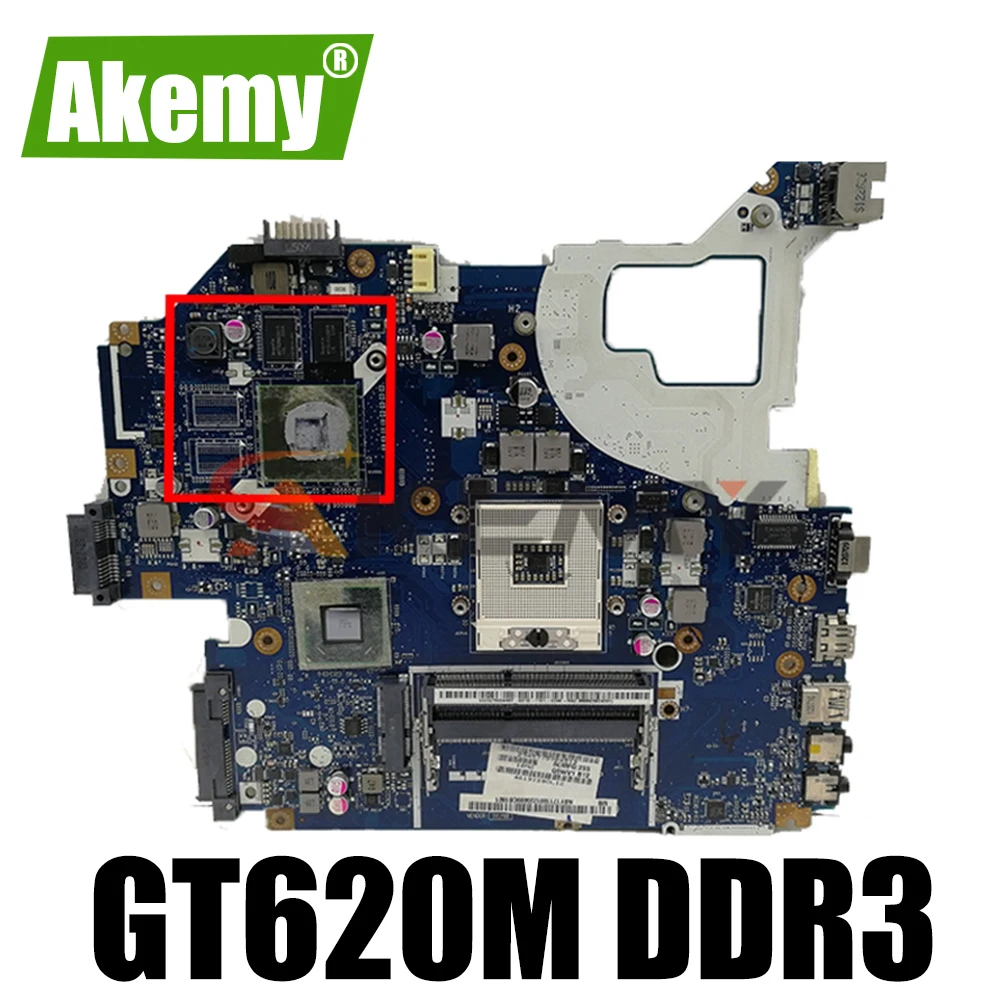
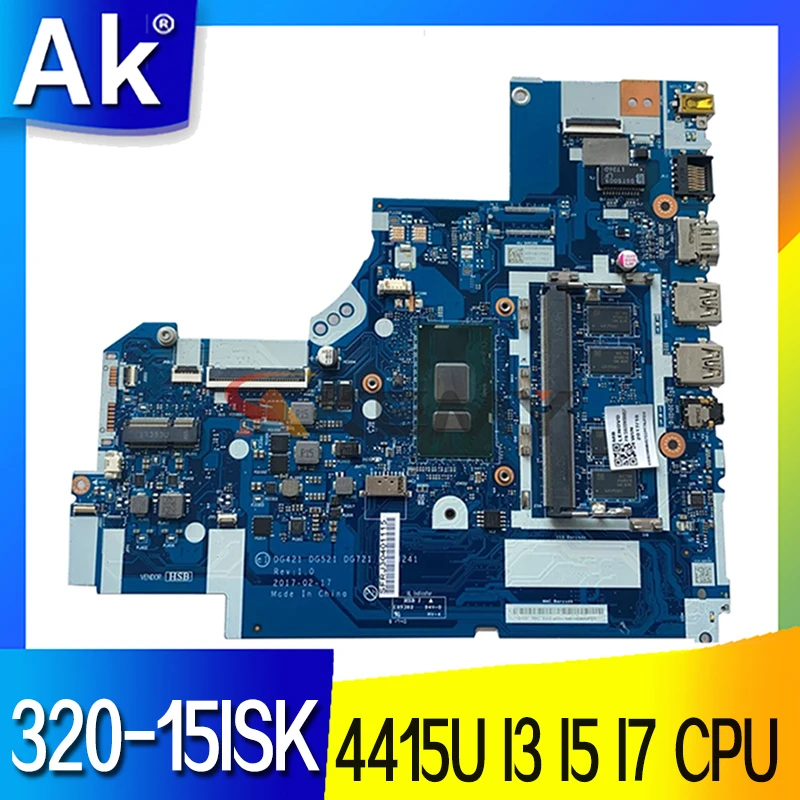
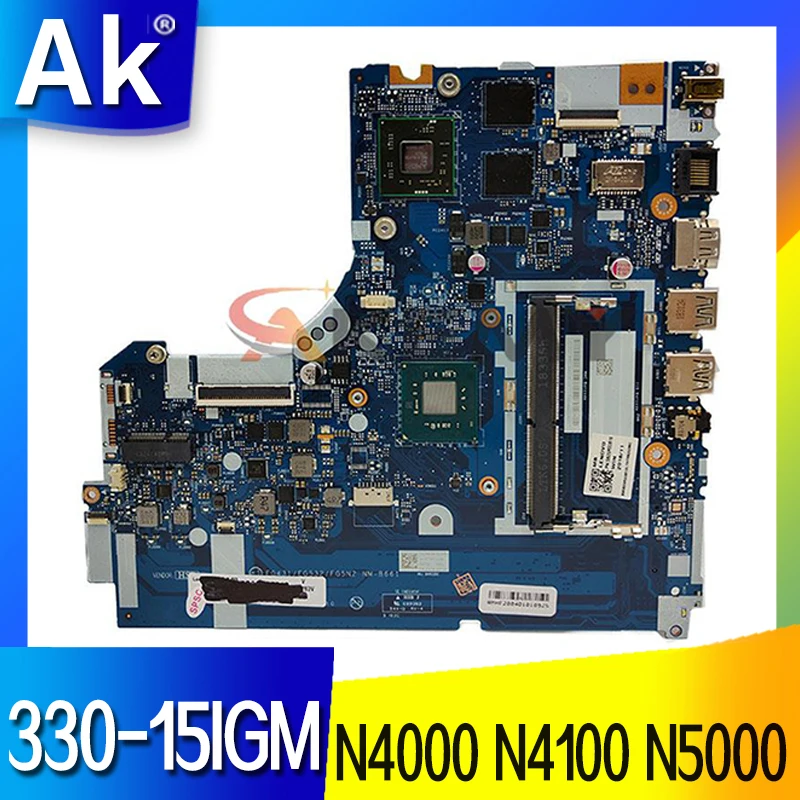
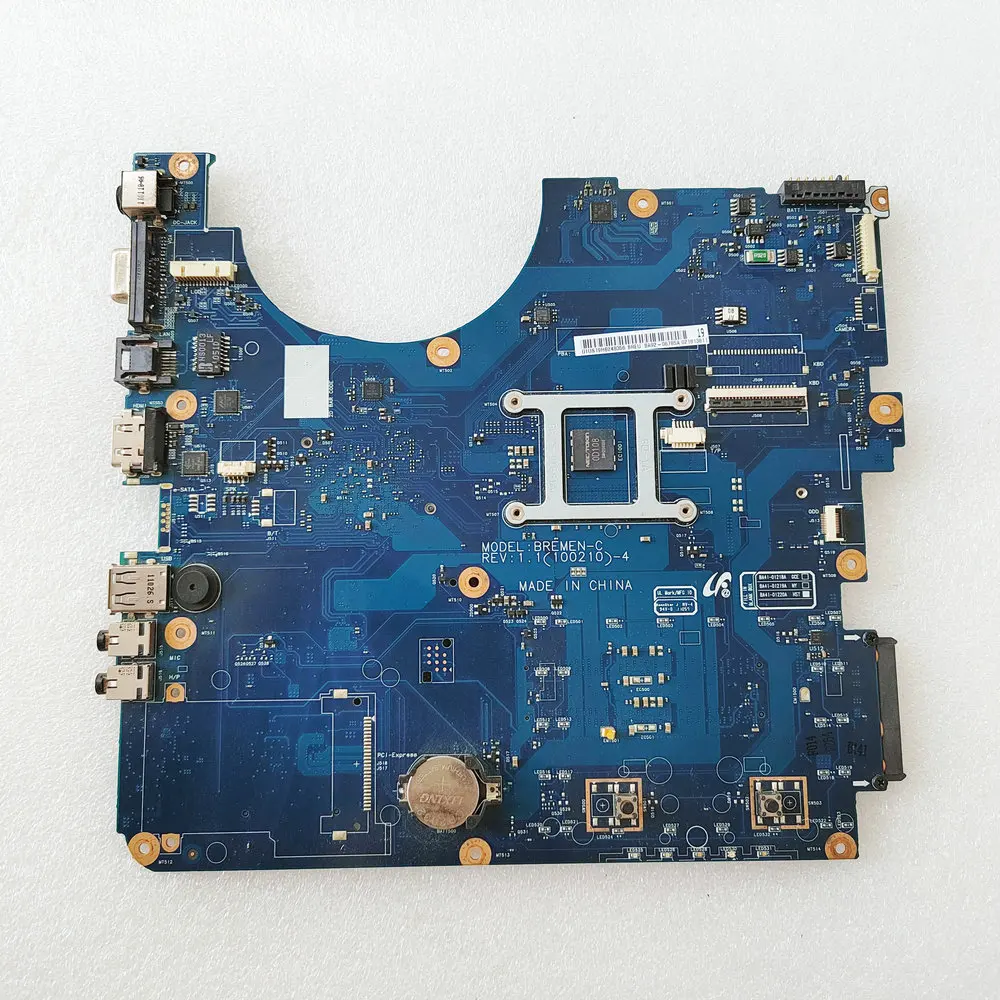
712921-501 712921-601 712921-001 Mainboard For HP 4540S 4440S Laptop Motherboard With SR0N2 I3-3110M CPU 100% Full Working Well |
6975.6
Новое поступление

Магазина Quality assurance Store работает с 26.10.2017. его рейтинг составлет 89.02 баллов из 100. В избранное добавили 712 покупателя. Средний рейтинг торваров продавца 4.6 в продаже представленно 1463 наименований товаров, успешно доставлено 4942 заказов. 865 покупателей оставили отзывы о продавце.
Характеристики
*Текущая стоимость 4583.8 уже могла изменится. Что бы узнать актуальную цену и проверить наличие товара, нажмите "Добавить в корзину"
| Месяц | Минимальная цена | Макс. стоимость | Цена |
|---|---|---|---|
| Jun-22-2026 | 5820.54 руб. | 5936.54 руб. | 5878 руб. |
| May-22-2026 | 4720.5 руб. | 4814.9 руб. | 4767 руб. |
| Apr-22-2026 | 5729.43 руб. | 5844.4 руб. | 5786.5 руб. |
| Mar-22-2026 | 5683.2 руб. | 5797.55 руб. | 5740 руб. |
| Feb-22-2026 | 4537.39 руб. | 4628.78 руб. | 4582.5 руб. |
| Jan-22-2026 | 5591.33 руб. | 5703.5 руб. | 5647 руб. |
| Dec-22-2025 | 5545.17 руб. | 5656.3 руб. | 5600.5 руб. |
| Nov-22-2025 | 5500.65 руб. | 5610.82 руб. | 5555 руб. |
Описание товара
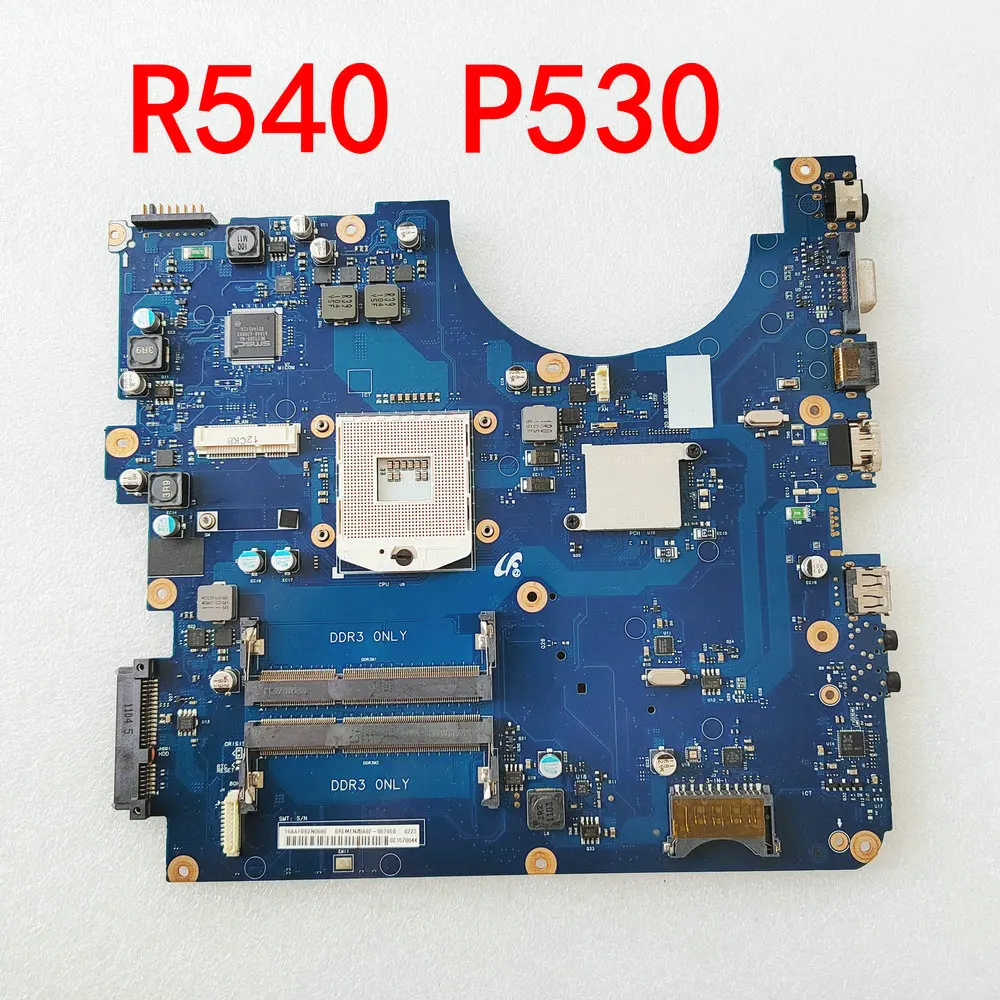
for SAMSUNG P530 R540 Laptop motherboard BA92-06785B BA41-01218A BA41-01219A BA41-01220A BA92-06785A DDR3 Model: BREMEN-C


Buyer must read:
To ensure the motherboards you bought working stably, pls note the following:
1firstly,pls make all the hardware installed well or in good condition, such as CPU,RAM stick,screen,LCD cable,HDD and so on.
2 Split the notebook and install the notebook when the power must be disconnected, or will lead to the motherboard, CPU, memory, screen burned, etc.
3 In the process of installation, pls make sure every connectors are installed well or stable.
4 As you are install cooling system,put the cooling paste or special Silicagel on VGA-card,Northbridge and CPU.
5,Finally, check all the hardware installed well or not.
Смотрите так же другие товары: