*Текущая стоимость уже могла изменится. Что бы узнать актуальную цену и проверить наличие товара, нажмите "Добавить в корзину"
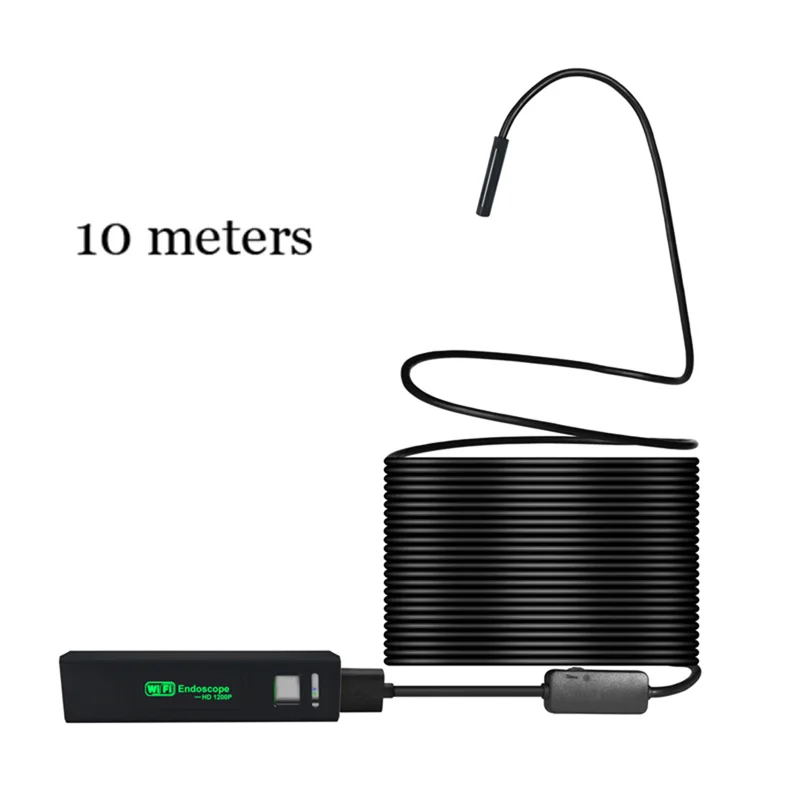
OLOEY 10M WIFI Endoscope Camera Mini Waterproof Soft Cable
![HTB1ReGcvRLoK1RjSZFuq6xn0XXap]()
Description:
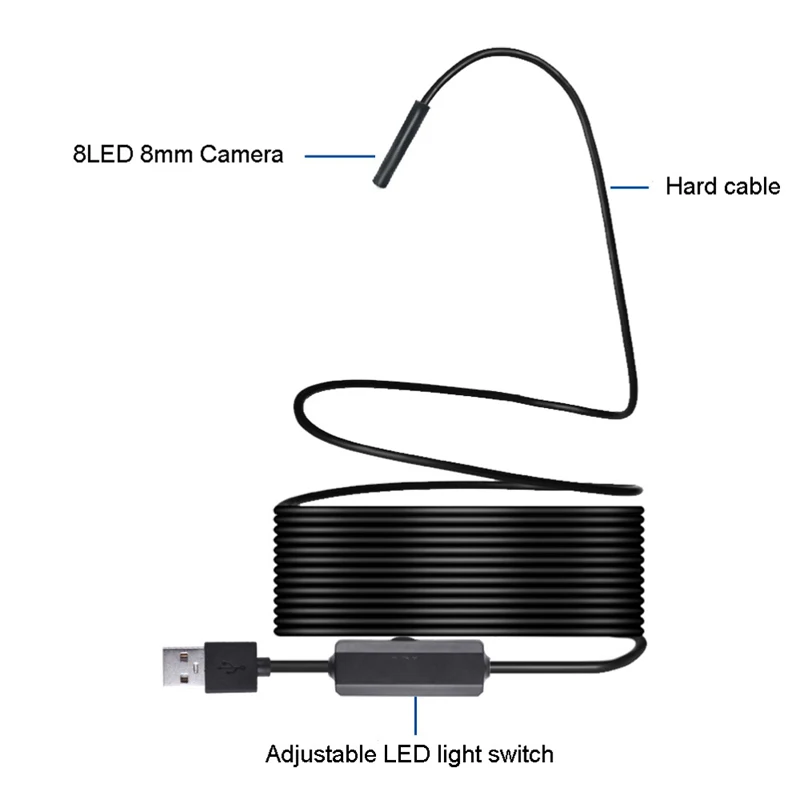
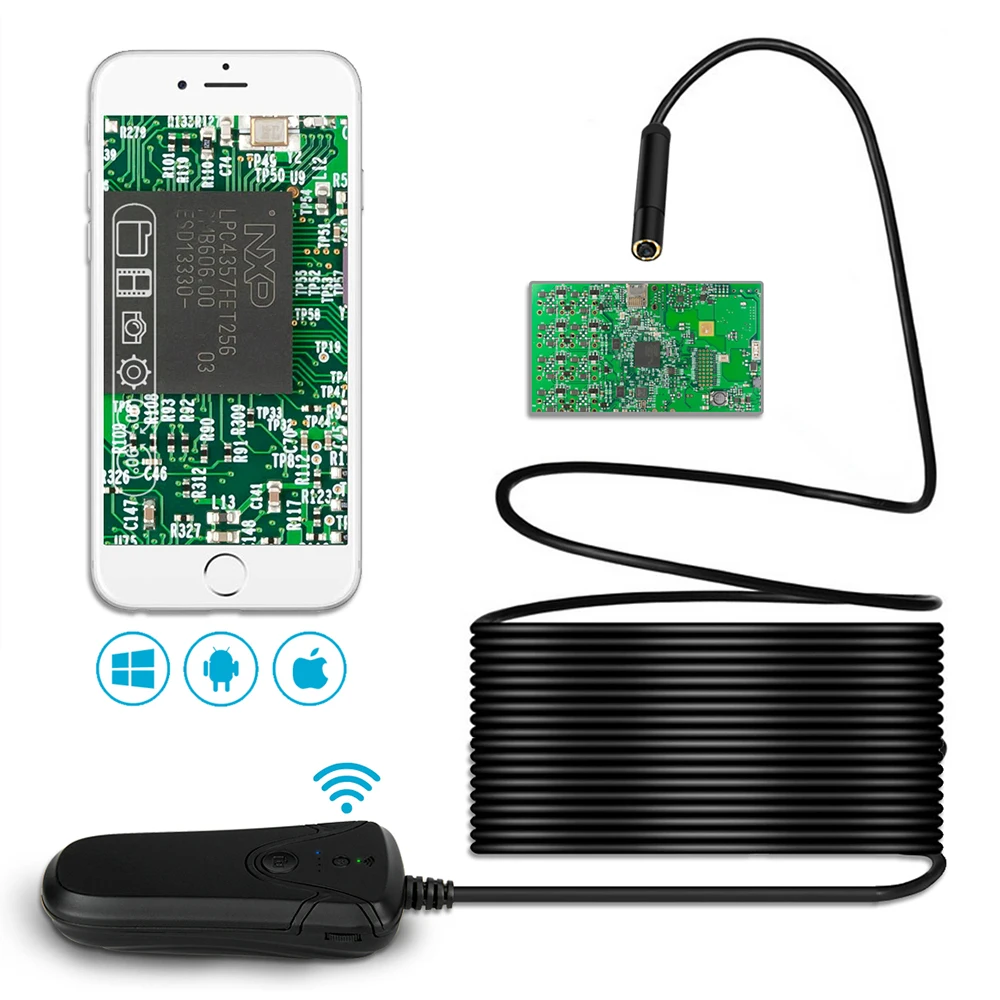
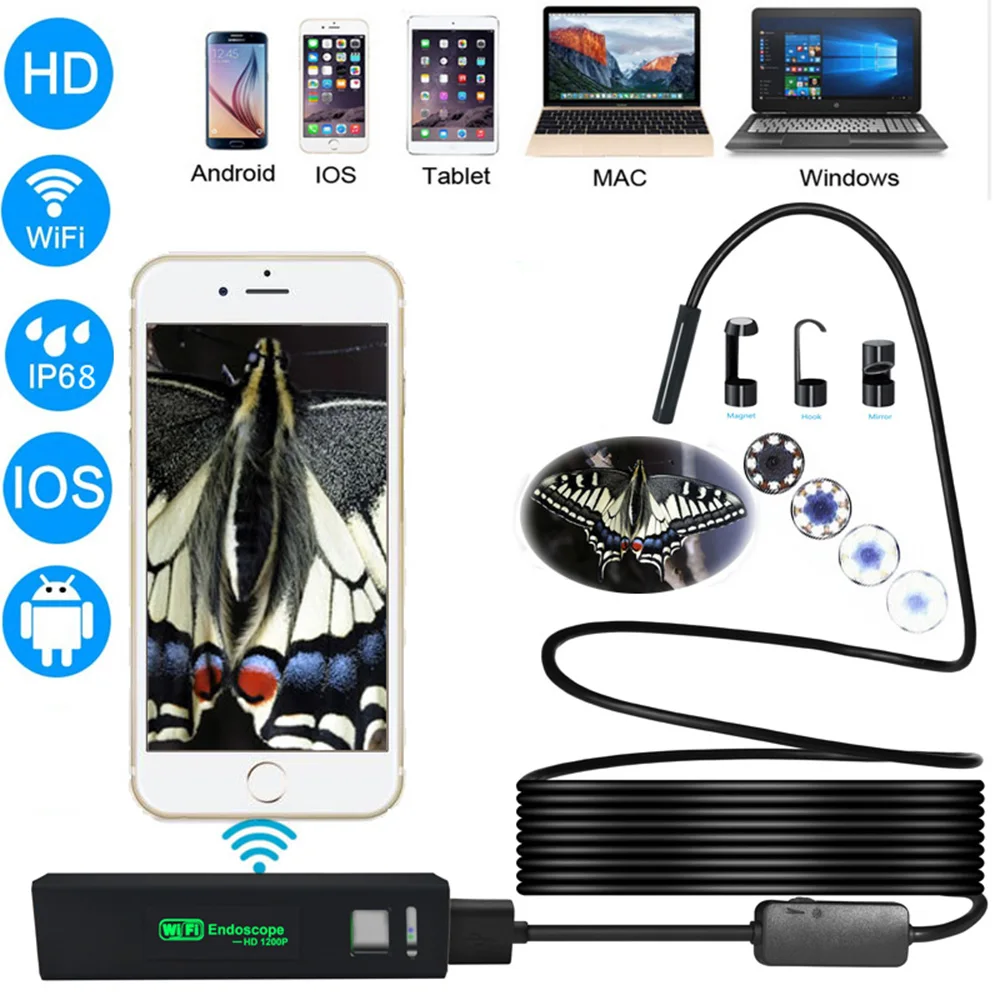
This is a newest WiFi endoscope camera, it can work with Android and IOS mobile device. You just need to install the APP, then do WiFi connection with the endoscope camera, then you can check the image. It has 8LEDs and the brightness is adjustable. It can be used for underwater camera, waterproof Micro-cameras, motor vehicle detector, sewer pipeline detector, search and rescue, criminal and custom detector, archaeological detect, the PCB detection, aviation and space industries, care and tractors industries, petroleum drilling industries, constructions and so on.
Features:
Brand New and High Quality.
2M Pixel High Resolution CMOS Camera, HD1200P
Wireless Wifi Connection, easy to connect and use.
Mini Size and Light weight for portable use.
8Led Lights, brightness adjustable
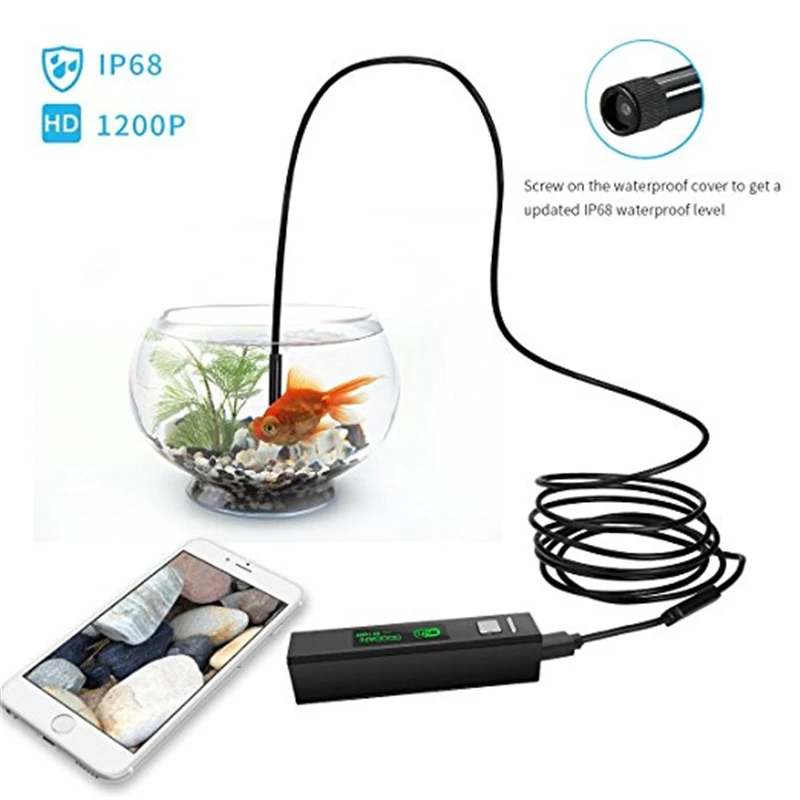
IP68 Waterproof Design.
Compatible for IOS/Android/Windows/Mac System.
Come with sucker, easy to mount the Wifi box on the back of phone or other place with flat surface.
Wifi box has built-in 850mAh battery, can work for 45 minutes.
Charge via 5V power.
Support photo taking and video recording on mobile phone.
Specifications:
Length: 2/3.5/7/10 Meter (optional)
Camera Diameter: 8mm
Sensor: 2.0 megapixels CMOS
Resolution: 1600*1200 1280*720, 640*480, 320*240
View Angle:70°
LED Light: 8pcs adjustable
Focal Distance:4cm - 10cm
Transmission Distance: Within 5-10m
Working Time: About 70 minutes for a full recharged
Power Source: 600mAh build-in Li-lion battery
Power in for recharging: DC 5V
Support Capture Pictures: Photo Format: JPEG
Support Record Video: Video Format: AVI
Support System: for Android 4.2 / for iOS(Above IOS8.0) / for Windows/Mac
Note: 1)please connect to your ordinary WiFi to download the Imagekit software, after you have downlaoded the software, you turn on the controller and it will produce a new wifi, then connect to this new wifi.
2)The camera support the system for iOS 7.0 and above, for Android 4.2 and above, before purchasing please make sure your device meet the system requirements, if you don't know how to use this product, please you can contact us, we are pleasure to answer your question, thanks
3)Note: OnePlus series phone does not support this camerea.
4)because this product Focal Distanc is 4cm - 10cm ,so if more than this distance ,no Focal Distanc , the image will look blurry
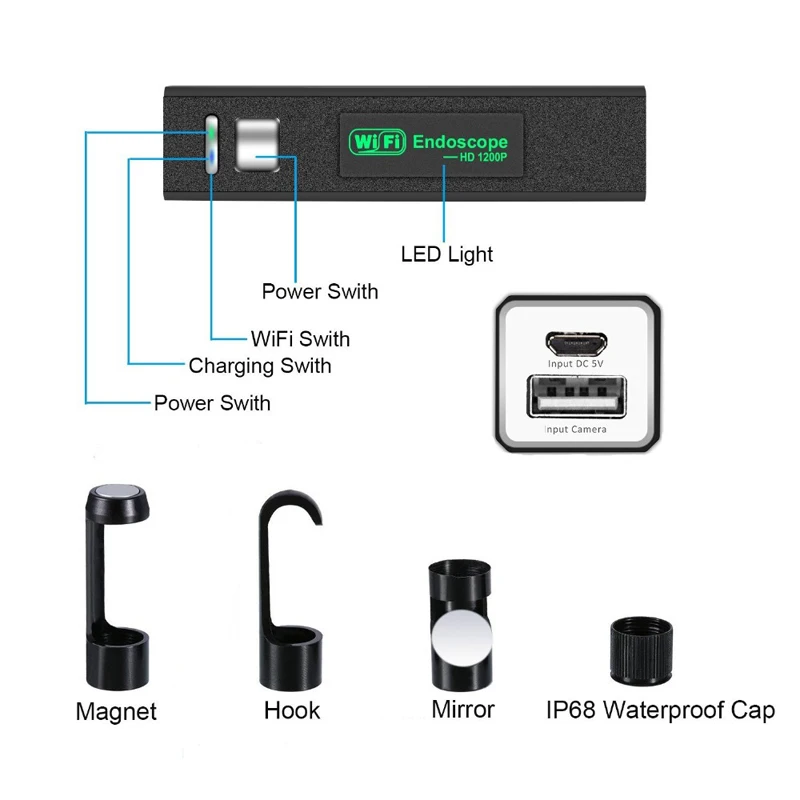
5) when the battery needs recharging , the blue light will flashes
6)charging the device with the power of the 5V/2A/1A/500ma , red lighted when charging , and goes out when fully charged , it takes 1 hours to be full of electricity ,and can be used 90 minutes (480P)/80 minutes (720P)/70 minutes (1600P)
7)Featuring IP68 waterproof camera probe and cable allows it to work in multiple environment ,but please install waterproof device
HOW TO USE IT:
How to use it on moblie phone :
1) Download and install client-side APP , APP name is Imagekit
open app store from iphone /Android client-side , Search for Imagekit ,Click ondownload and install it
2)Long press the power button to turn on (long press 5-7 sec , the blue led will light )
3)conect camera with wireless transmitte
4)WIFI conection
click on the setting icon on main interface of smart mobile device ;
click one the "Wlan"sselect your camera , conntect smart mobile device wifi connect to tool wifi , tool initial SSID is " YPC-***", no need for a password
5)Long press the power button to put off
after the connection is successful ,click on imagekit icon to enter into the conntected camera automati-cally to view the real-time video
taking phots ,video recording ,viewing pictures and video playback ,setting and other operations can be done on the smart click-side
How to use it on Windows PC :
1) Please download the software by the link
www.kkmoom.com/camera.rar
2)Plug in the usb endoscope Camera , and open the software , you can take pictures ,videos
How to use it on MAC :
MacBook OS , please use " Phote Booth " " QuickTime Player " "VLC(videolan client)
if you have any other question ,please feel free contact us
Best regards
Troubleshootin
No image or defects , noise in the image
1)Check the WI-FI setting on your smartphone ,make sure it has connected to the device
2)Check the USB camera ,amke sure it's connected to the wifi transmitter correctly and tlghtly
3)disconntect and reconnect the camera
4)close the app and open it again
5) check the battery level , recharger the battery if the power blue indicaor flahng fast
Package list:
1 * Endoscope
1 * wireless transmitter
1 * Set of Accessories - Hook, Mirror, Magnet, Waterproof device
1 * Micro USB to USB Cable
1 * User Manual
![pic]()
![Endoscope-2]()
![Endoscope-6]()
![Endoscope-3]()
![Endoscope-4]()
![Endoscope-9]()
![Endoscope-5]()
![1]()
![2]()
![3]()
![4]()
![5]()
![6]()
![8]()
![9]()
![2mi]()
![3.5mi]()
![5mi]()
![7mi]()
![10mi]()
![HTB1Yod2Jv5TBuNjSspmq6yDRVXab]()
![HTB1Fu3qAZuYBuNkSmRyq6AA3pXav]()
![HTB1RGq3cjrguuRjy0Feq6xcbFXa8]()
![shipping gard]()
![payment]()
![Feedback]()