Запасной пульт дистанционного управления для Xiaomi MI 4K Ultra HDR TV BOX 3S Box 3 XMRM-002 с
858,40 руб.

Новое поступление

Магазина Honor Box Store работает с 13.07.2020. его рейтинг составлет 93.62 баллов из 100. В избранное добавили 6758 покупателя. Средний рейтинг торваров продавца 4.7 в продаже представленно 280 наименований товаров, успешно доставлено 7293 заказов. 3291 покупателей оставили отзывы о продавце.
Характеристики
*Текущая стоимость 620,69 - 975,70 уже могла изменится. Что бы узнать актуальную цену и проверить наличие товара, нажмите "Добавить в корзину"
| Месяц | Минимальная цена | Макс. стоимость | Цена |
|---|---|---|---|
| Jul-22-2026 | 738.35 руб. | 775.42 руб. | 756.5 руб. |
| Jun-22-2026 | 732.71 руб. | 769.36 руб. | 750.5 руб. |
| May-22-2026 | 614.85 руб. | 645.39 руб. | 629.5 руб. |
| Apr-22-2026 | 719.93 руб. | 755.36 руб. | 737 руб. |
| Mar-22-2026 | 626.9 руб. | 657.42 руб. | 641.5 руб. |
| Feb-22-2026 | 707.78 руб. | 742.40 руб. | 724.5 руб. |
| Jan-22-2026 | 701.61 руб. | 736.30 руб. | 718.5 руб. |
| Dec-22-2025 | 694.38 руб. | 729.44 руб. | 711.5 руб. |
| Nov-22-2025 | 688.78 руб. | 722.67 руб. | 705 руб. |
Описание товара
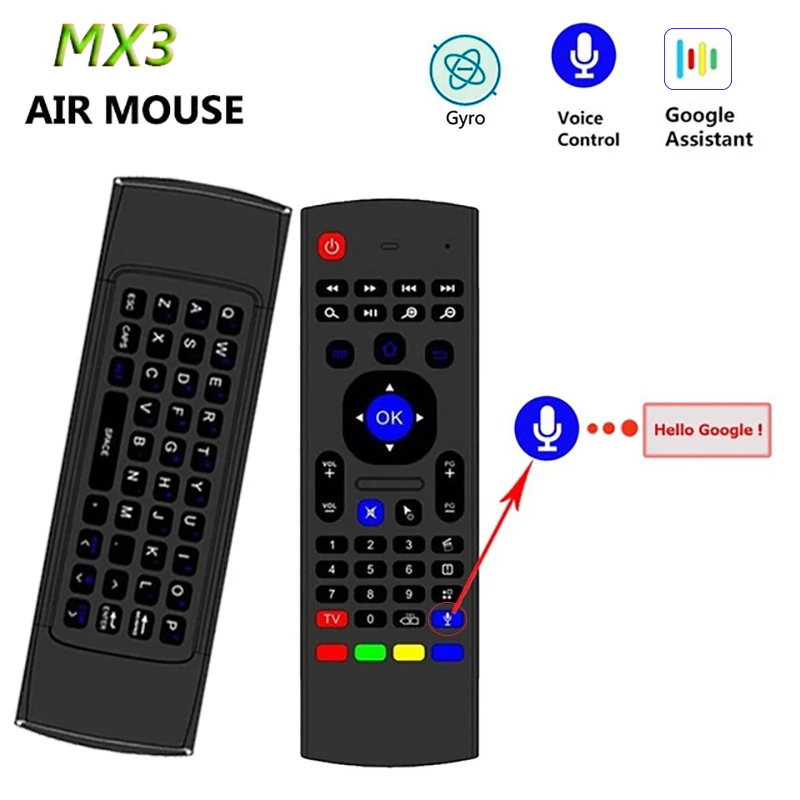
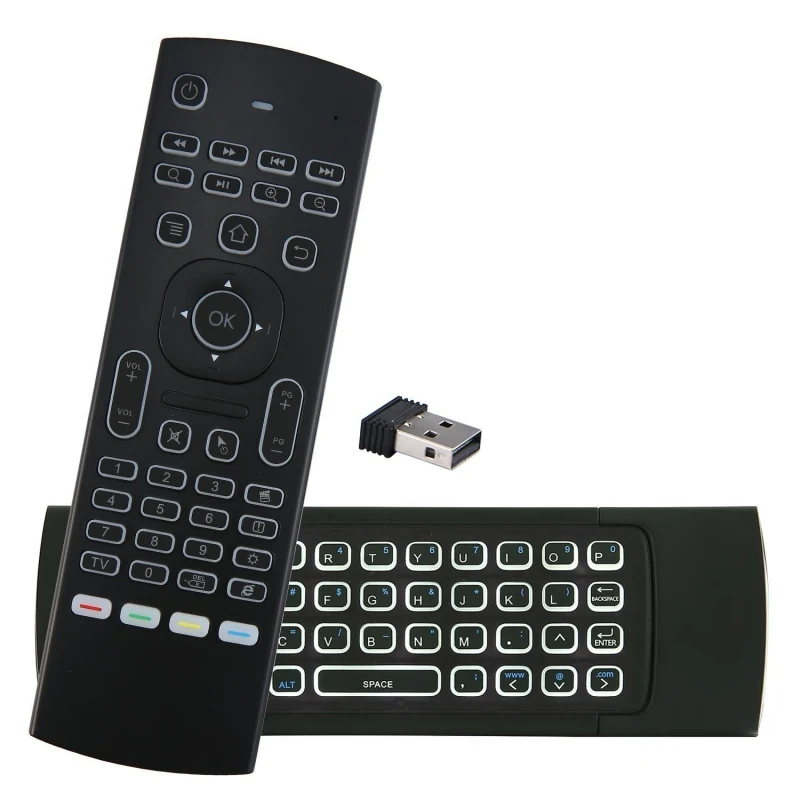
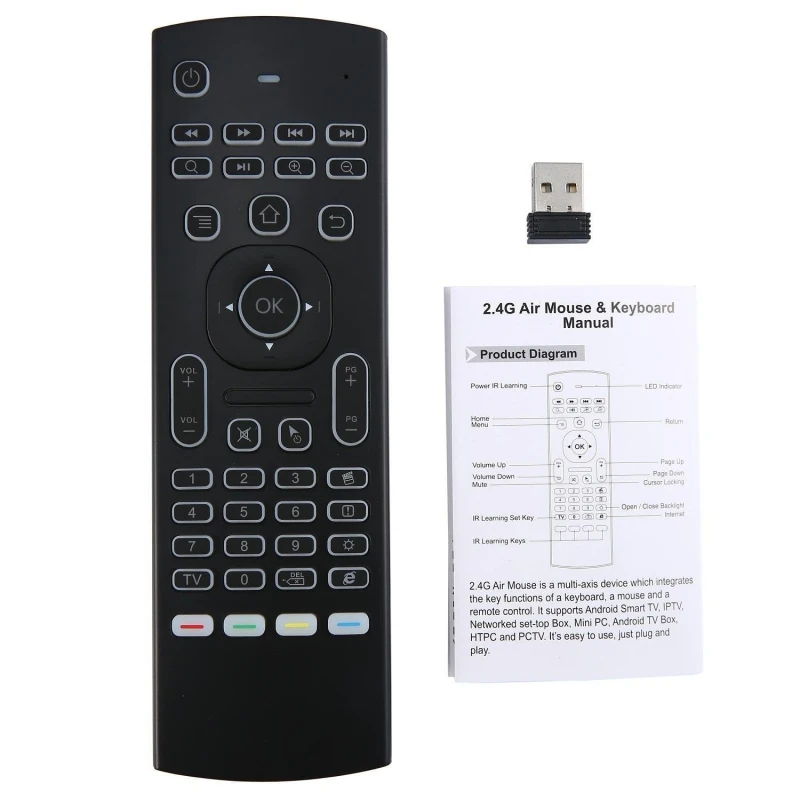
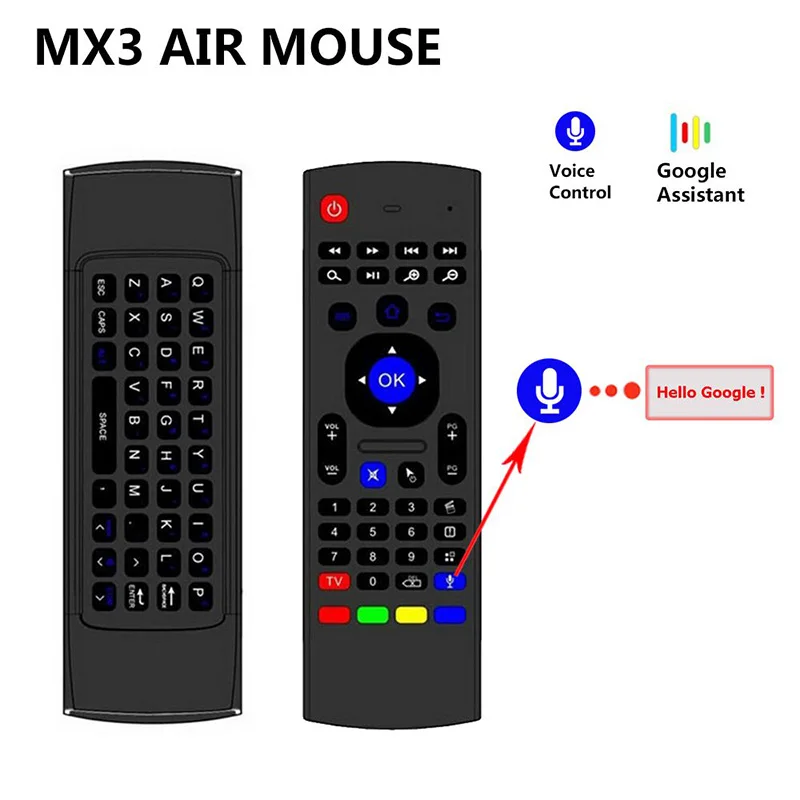
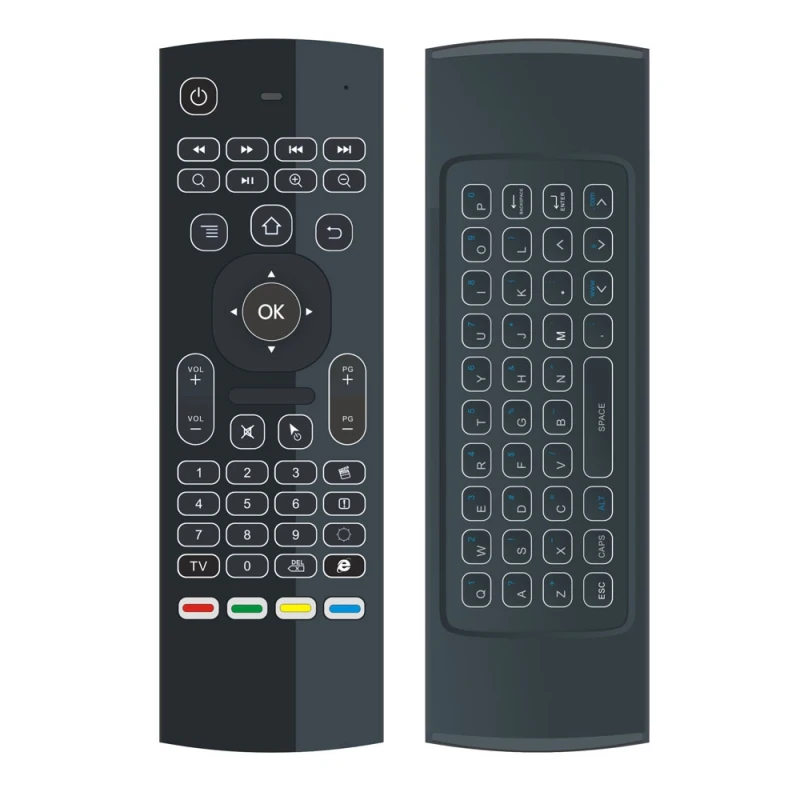
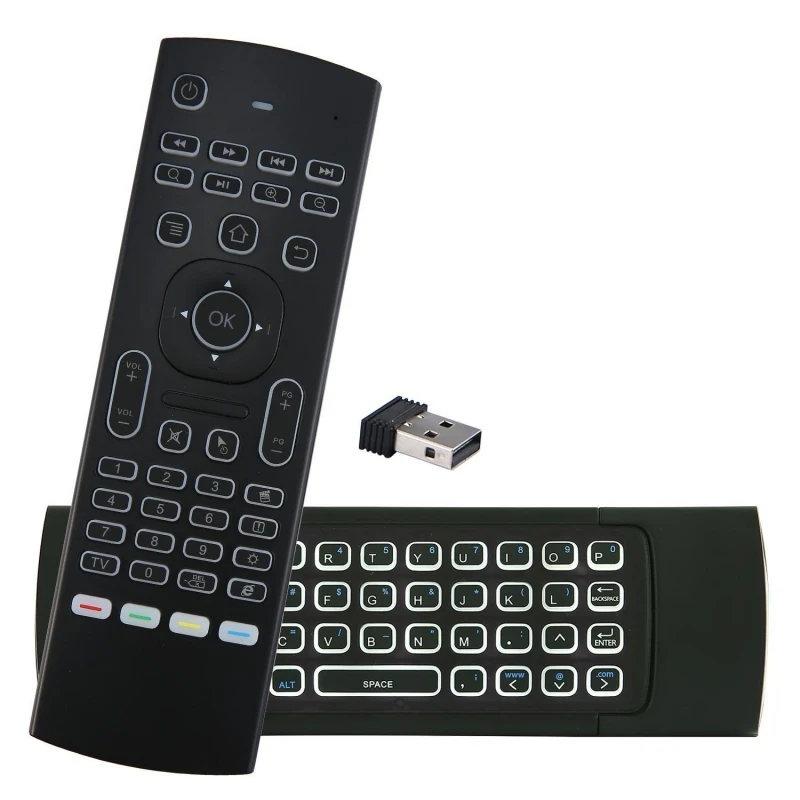
MX3 voice Backlit Air Mouse T3 Google Smart Remote Control IR 2.4G RF Wireless Keyboard For X96 mini KM9 A95X H96 MAX Android TV

NOTE1: This type of air mouse can't control the satellite channels.
NOTE2: Only 5 keys can be programmed.
NOTE3: This remote maybe not compatible with some Smart TV, because third-party USB dongle is
blocked.You need to confirm your smart TV can support other remotes except the original remote.
Systerm Support
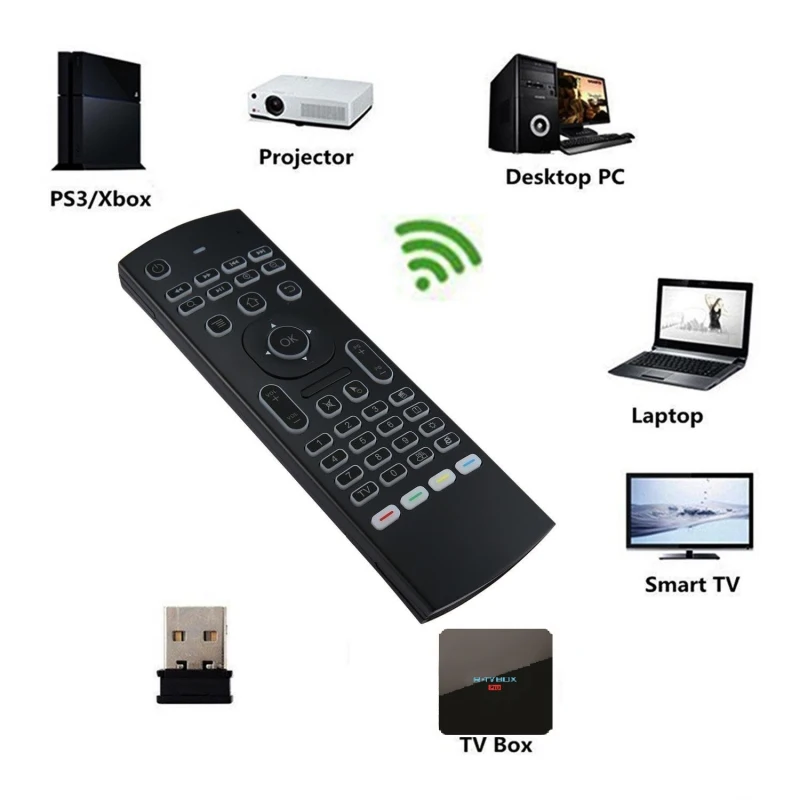
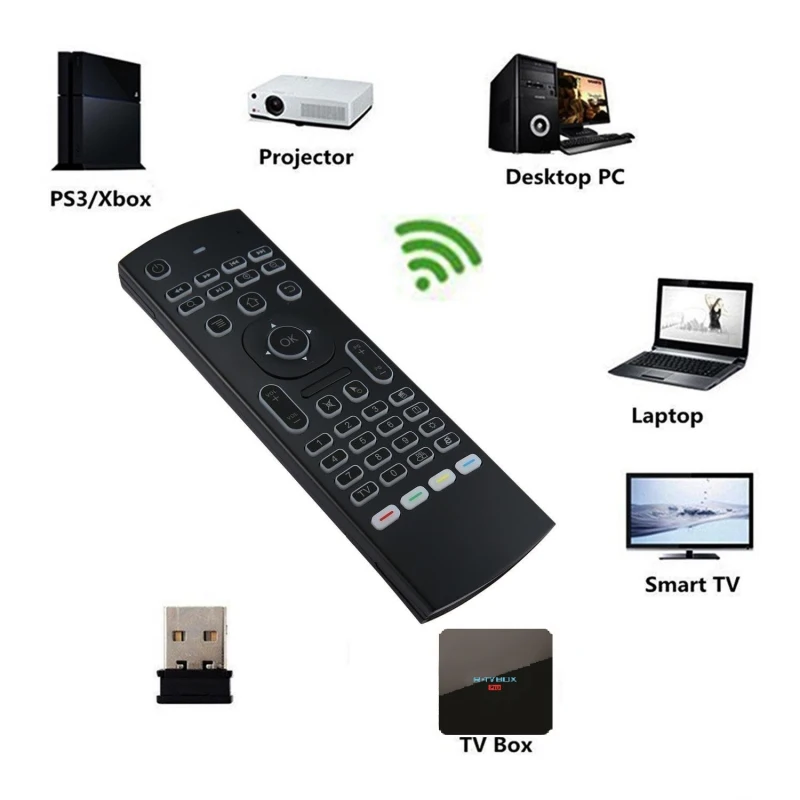
1. Android OS
2. Mac OS
3. Linux
IR learning function
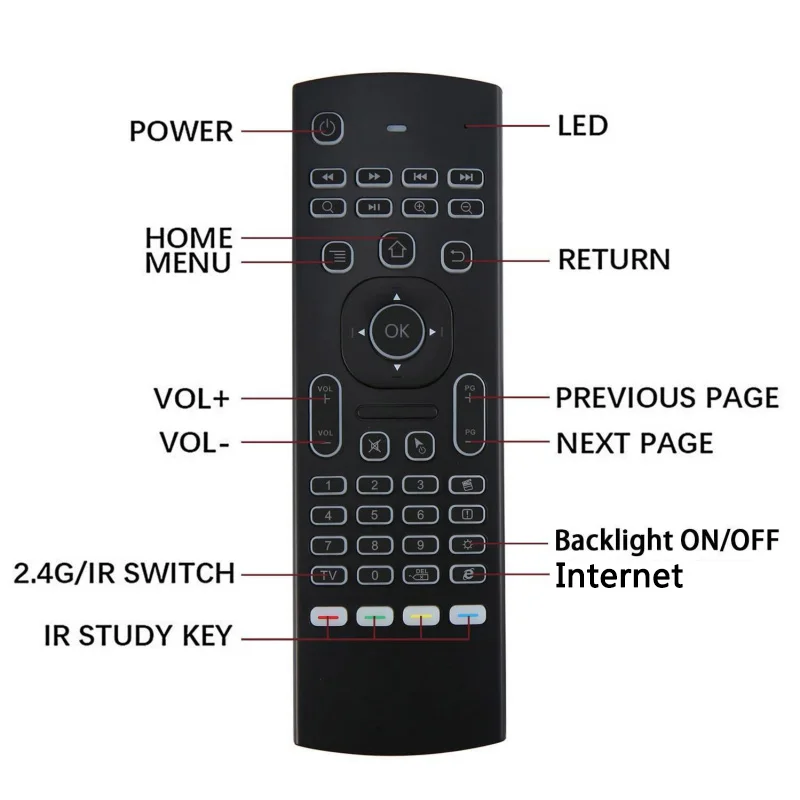
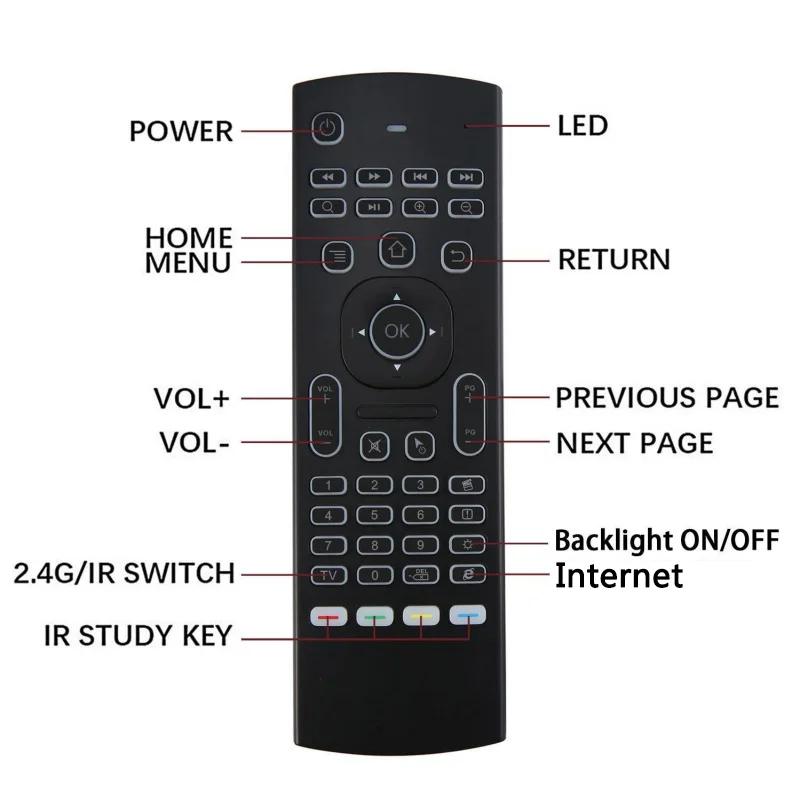
There are 5 buttons which could be programmed to your TV remote keys:
1. Power button -Locate the top left corner
2. 4colors buttons-Locate the bottom
Note: Please check if your TV remote supports the NEC protocol for learning.
IR learning operation as the following steps
1. Pointing IR emitters of the TV remote and the air mouse to each other ,
2. Press and hold hte TV key on the remote 4-5s until the LED flash slowly,
3. When you see the LED flashing slowly ,press the key on your TV remote to learn,
4. When the remote receiver the IR signal,the LED will be solid.
5. The 5 keys could learn following the step 1-4,
6. Press the TV button to finish the learning process.
Specification
1) Transmission and control: 2.4 G RF wireless radio-frequency technique;
2) Sensor: 3-Gyro + 3-Gsensor;
3) The key number:81 keys;
4) Control distance: >5m;
5) Battery Type: AAA*2(not included)
6) Working Power: Less than 10mA in the work condition;
7) Standby Power: Microampere, almost no power, in line with the
European "Energy star" environmental standard;
8) Material: Plastic and silicone;
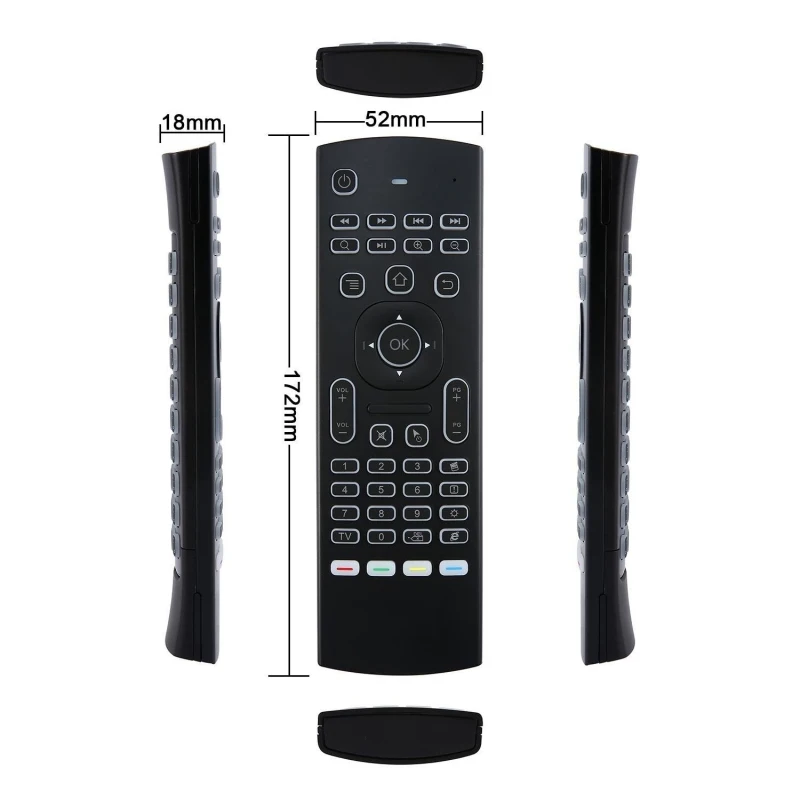
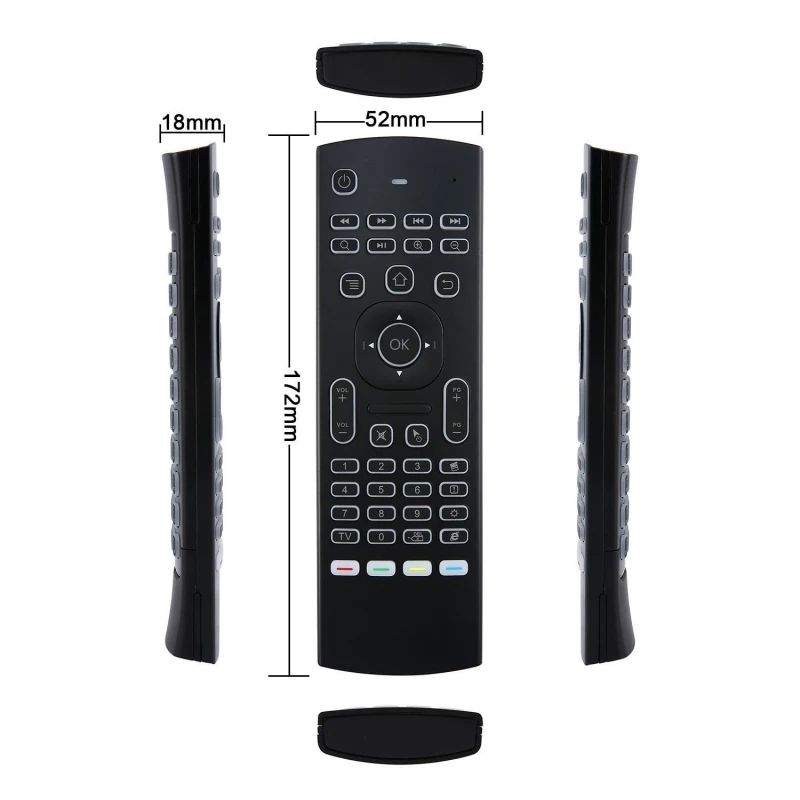
9) Size: 172*52*19mm;
10) Weight: About 100g.
Package including:
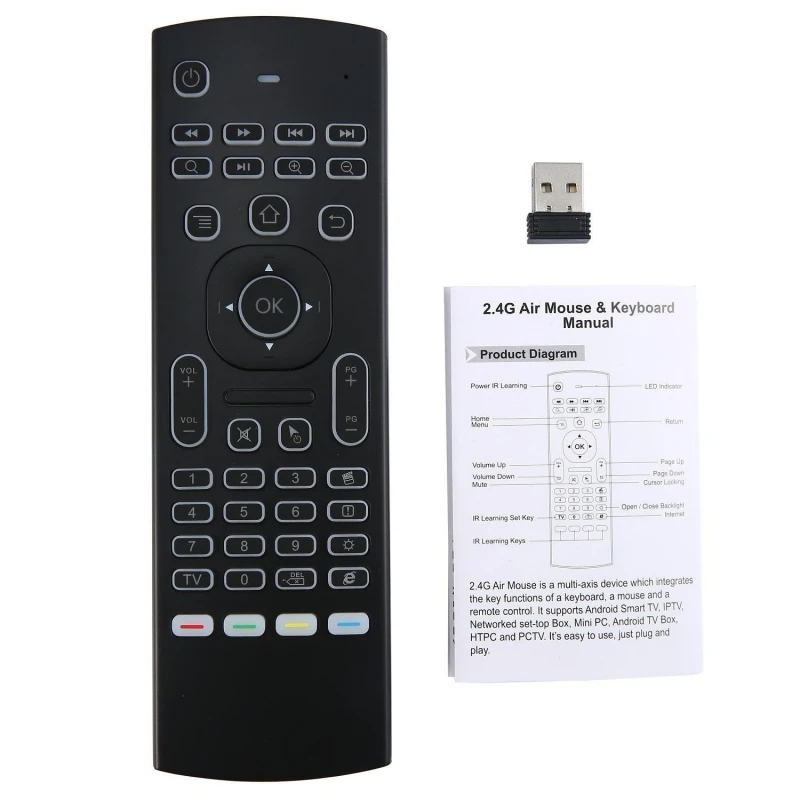
1 * MX3/MX3-L air mouse(optional)
1 * USB Wireless Receiver
1 * User Manual
Caution!!!
Let's talk about IR learing, on the bottom of this keyboard have 4 IR learning keys. As some customer response to us it not works correctly. Kindly remind that if you have this problem, pls press TV + DEL key to resetthe keyboard. And then follow the manual to use IR learning.


Смотрите так же другие товары: